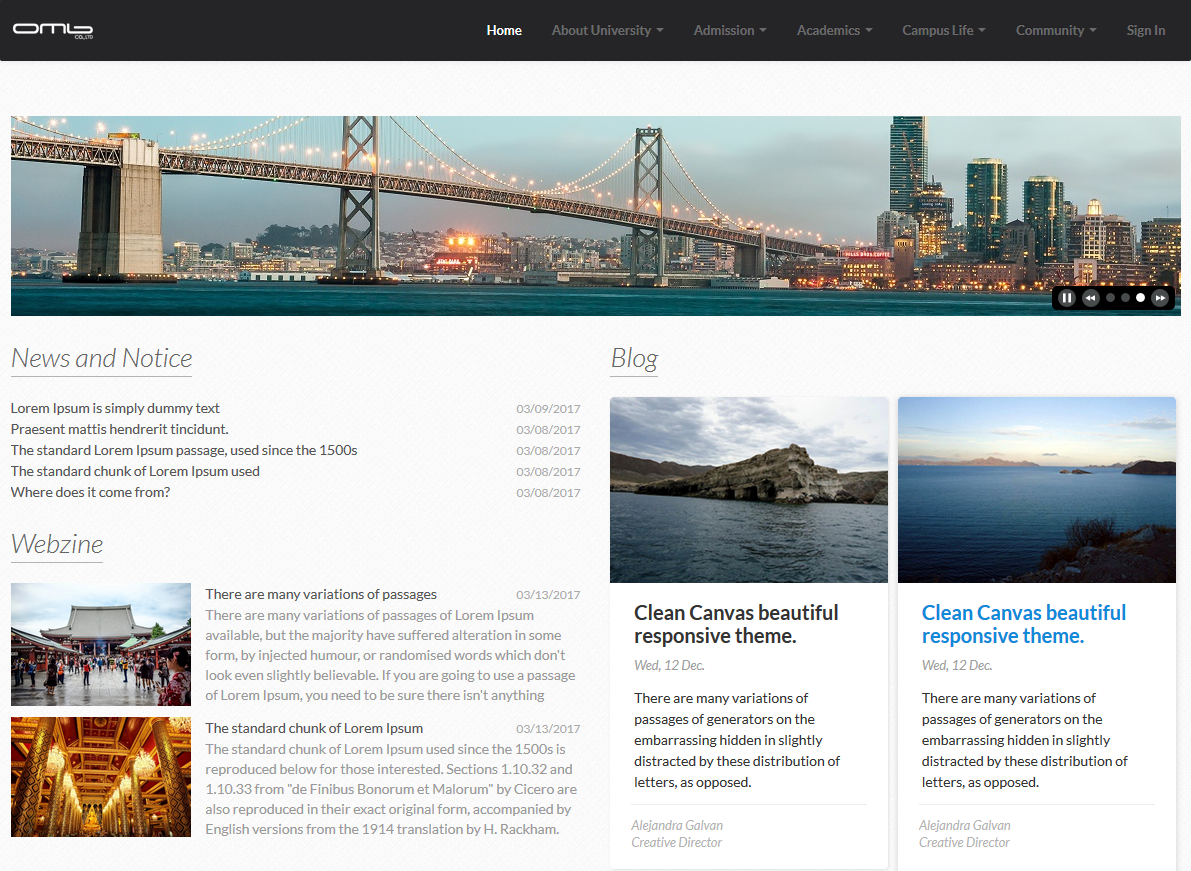
Visual Banner is a plugin which allows administrators to add slider-enabled banners with image and link, which makes visitors be informed on events and notices of the site.
Installation
- Download Visual Banner from Liferay Marketplace.
- Go to Control Panel > Apps > App Manager > Install, and then upload the downloaded plugin.
- You can add the plugin in Add Application section after uploaded.
* You can also install this plugin on Control Panel > Apps > Store more easily.
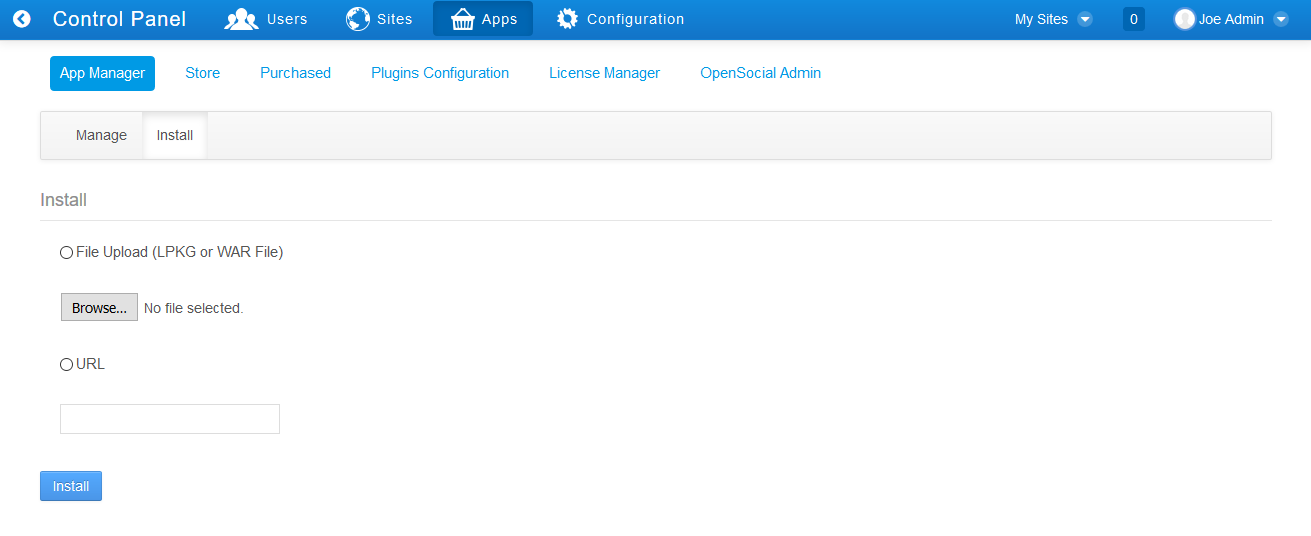
Pic 1. Installation
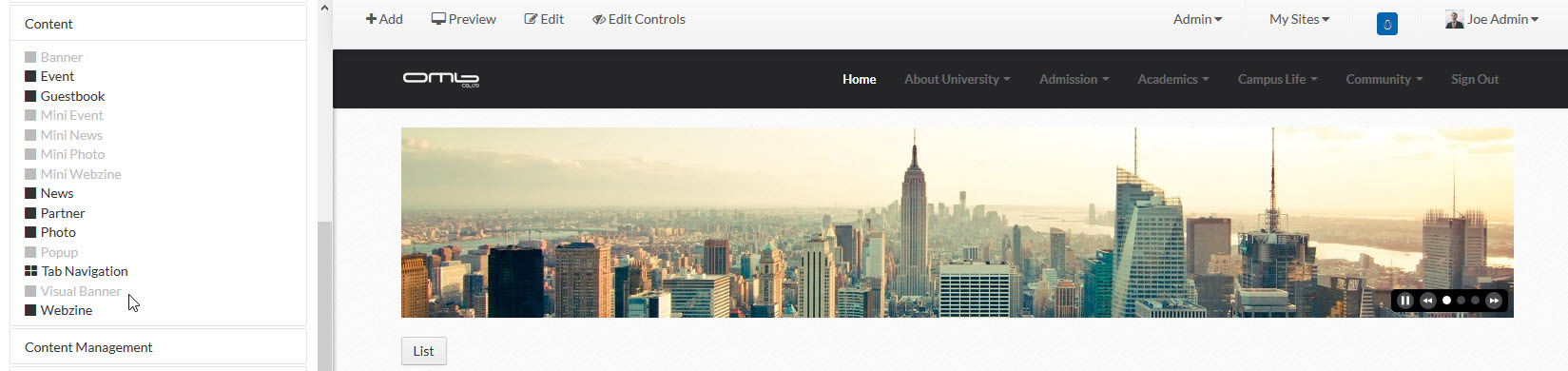
Pic 2. Add Plugin on Page
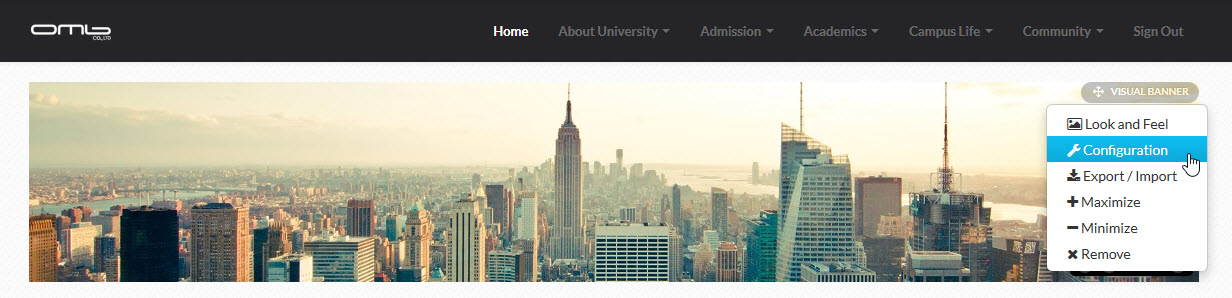
Configurable

Pic 3. Click configuration

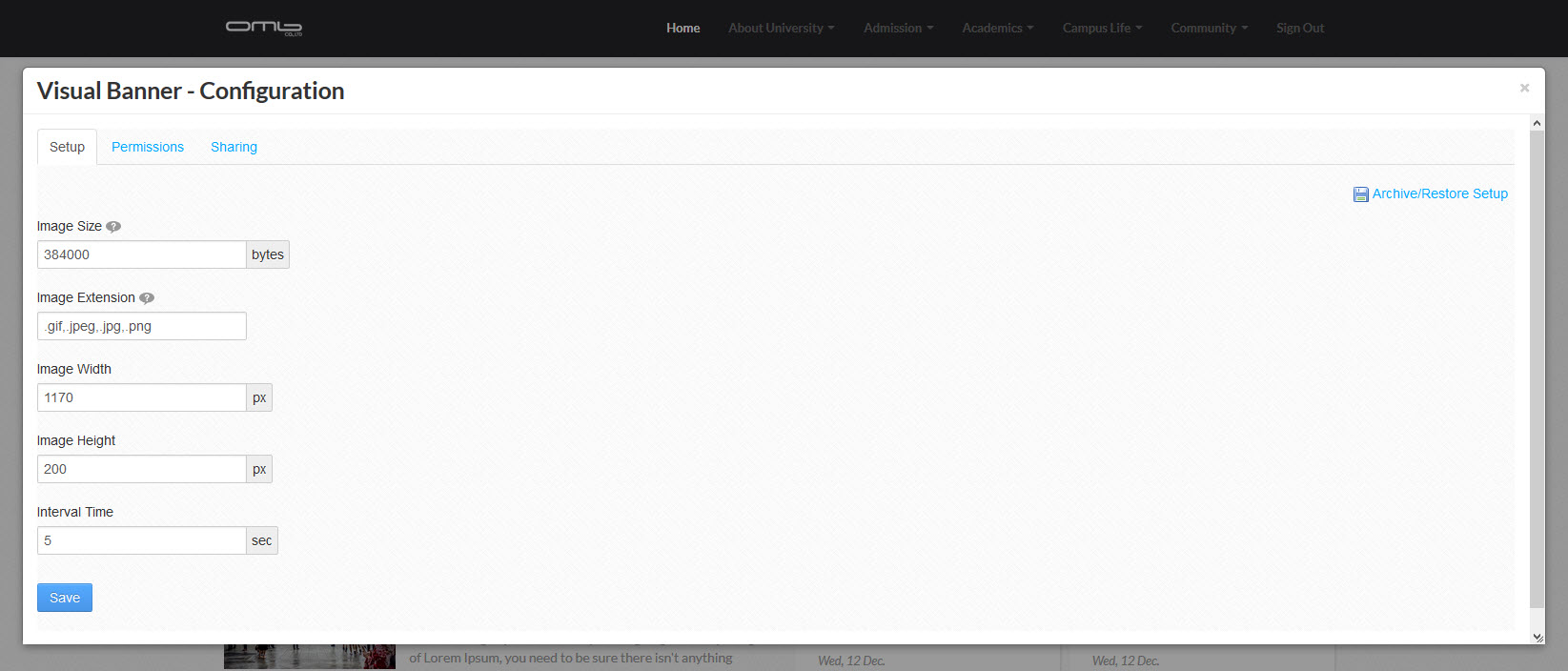
Pic 4. Configuration page
You can customize
- Image Size : Maximum file size can be uploaded.
- Image Extension : File type can be uploaded.
- * : All extension
- .jpg, .gif, .png : Separate by ,(comma)
- Image Width : Set image width.
- Image Height : Set image height.
- Interval Time : Set interval to display next image.
Add Visual Banner

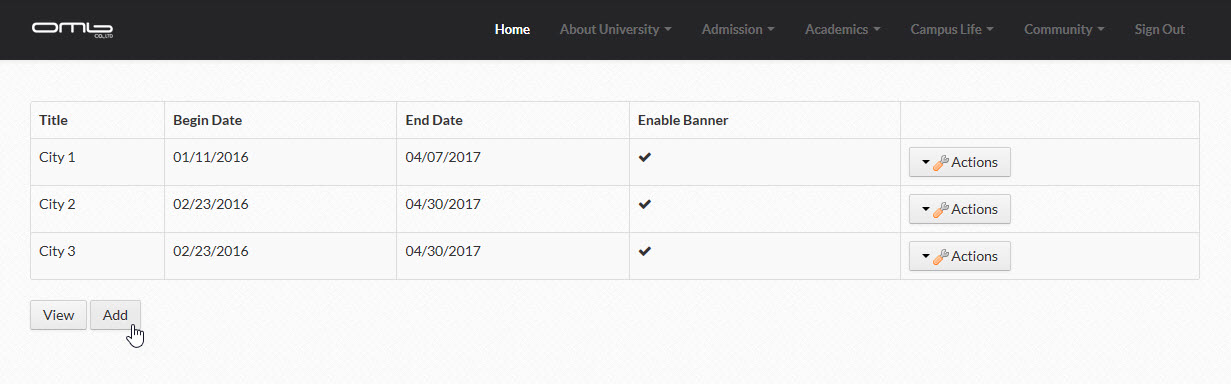
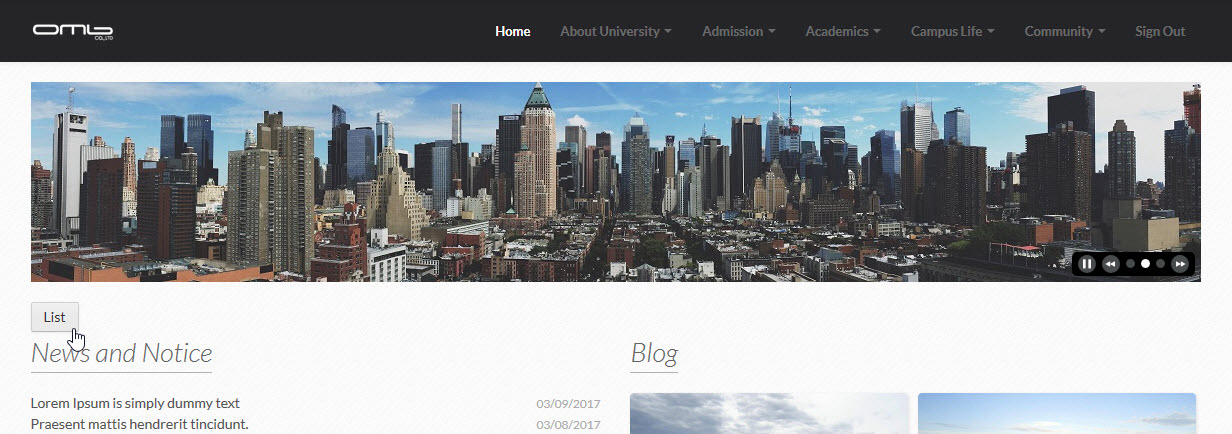
Click to List Page

Click Add

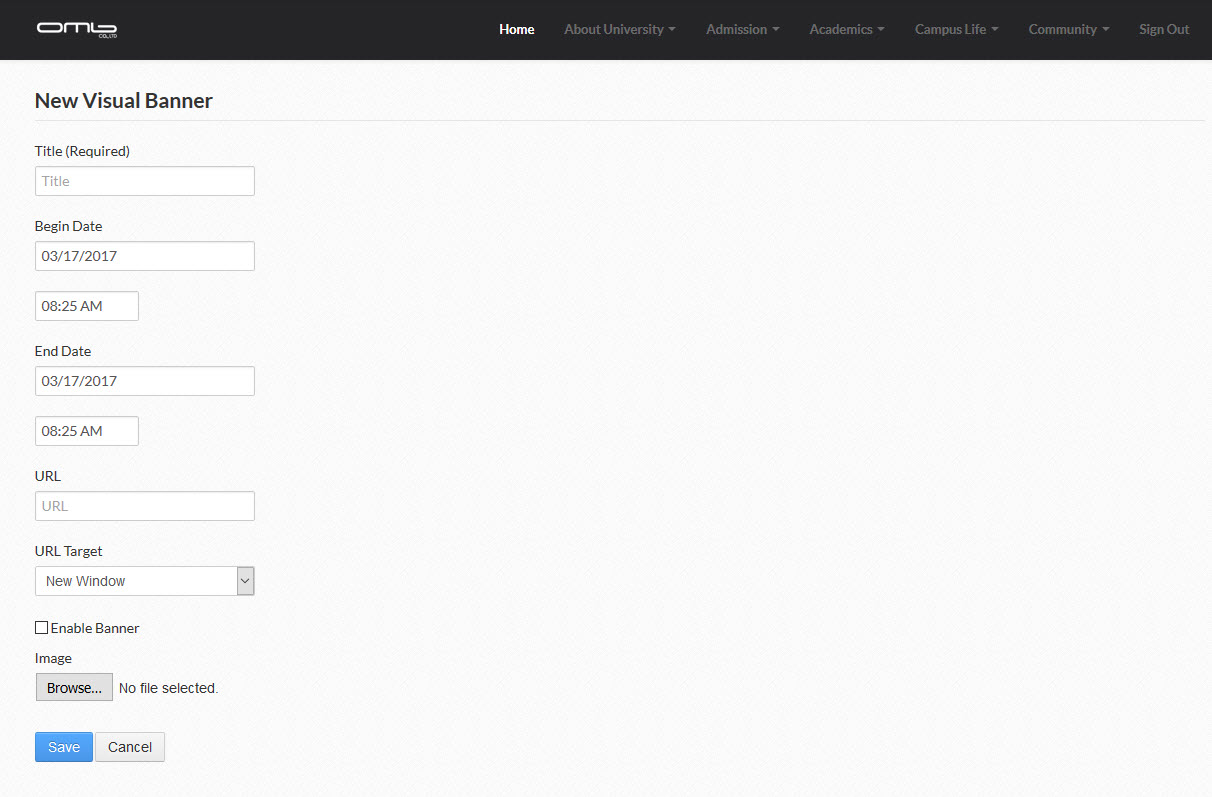
Input Information
- Title (Required) : Input title.
- Begin Date : Set start date to display visual banner.
- End Date : Set end date to display visual banner.
- URL : Input website URL.
- URL Target : Select URL target.
- Enable Banner : Select to display visual banner.
- Image : Upload image.
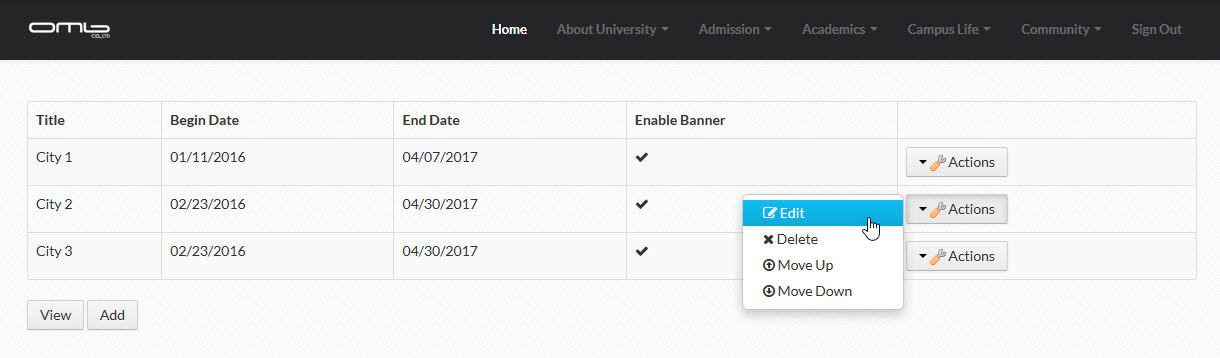
Edit, Delete and Change order Visual Banner

Edit Delete and Change order
Feature
- Multi-level categories.
- Fully responsive.
- Using Liferay file store.
- English, Korean, and Thai language pre-translated.

liferay, portlet, plugin, 라이프레이, 포틀릿, 플러그인, visual banner, 비주얼 배너, ไลฟ์เรย์, พอร์ตเล็ต, ปลั๊กอิน, วิชวลแบนเนอร์